


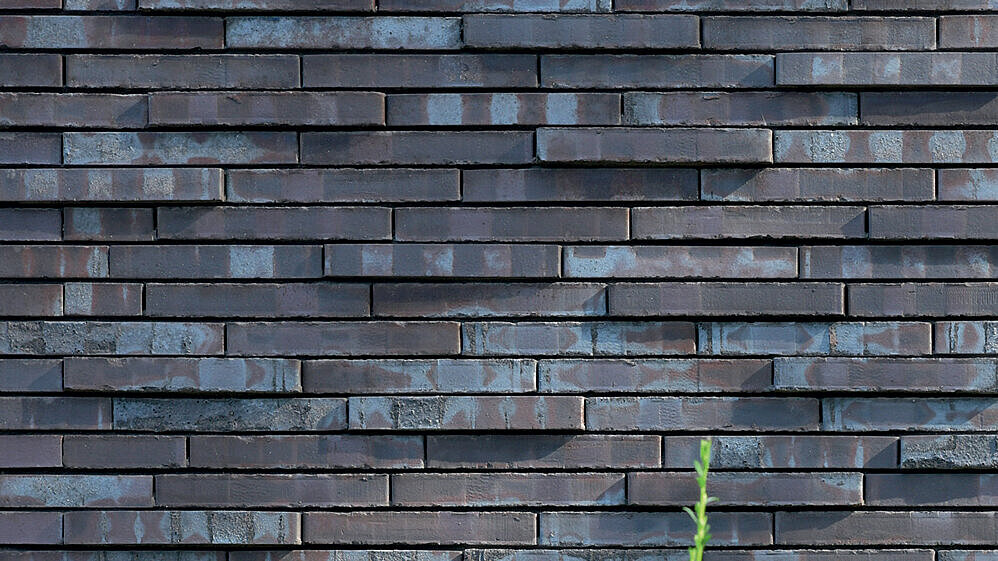
With the Hagemeister TextureDesigner, you can create your own customized brick facade online. Combine brick types, joint colors and joint thicknesses, as well as your preferred brickwork bond, to design your personal favorite.
The result: a highly realistic façade image that can also be used as a texture for 3D visualizations.
How it works:
- Start with your desired brick type by selecting a brick surface in the product matrix. Within the same brick size, you can choose additional products and combine them into mixed assortments.
- Use the selection fields to the right of the product matrix to define your preferred bond, joint color, and joint thickness.
- Below that, specify the façade size by selecting the number of bricks and choose your desired image resolution.
- For a more dynamic result, you can add a shadow effect.
- With one click on “Generate texture”, your individualized façade image will be created.